What is wanna.sh?
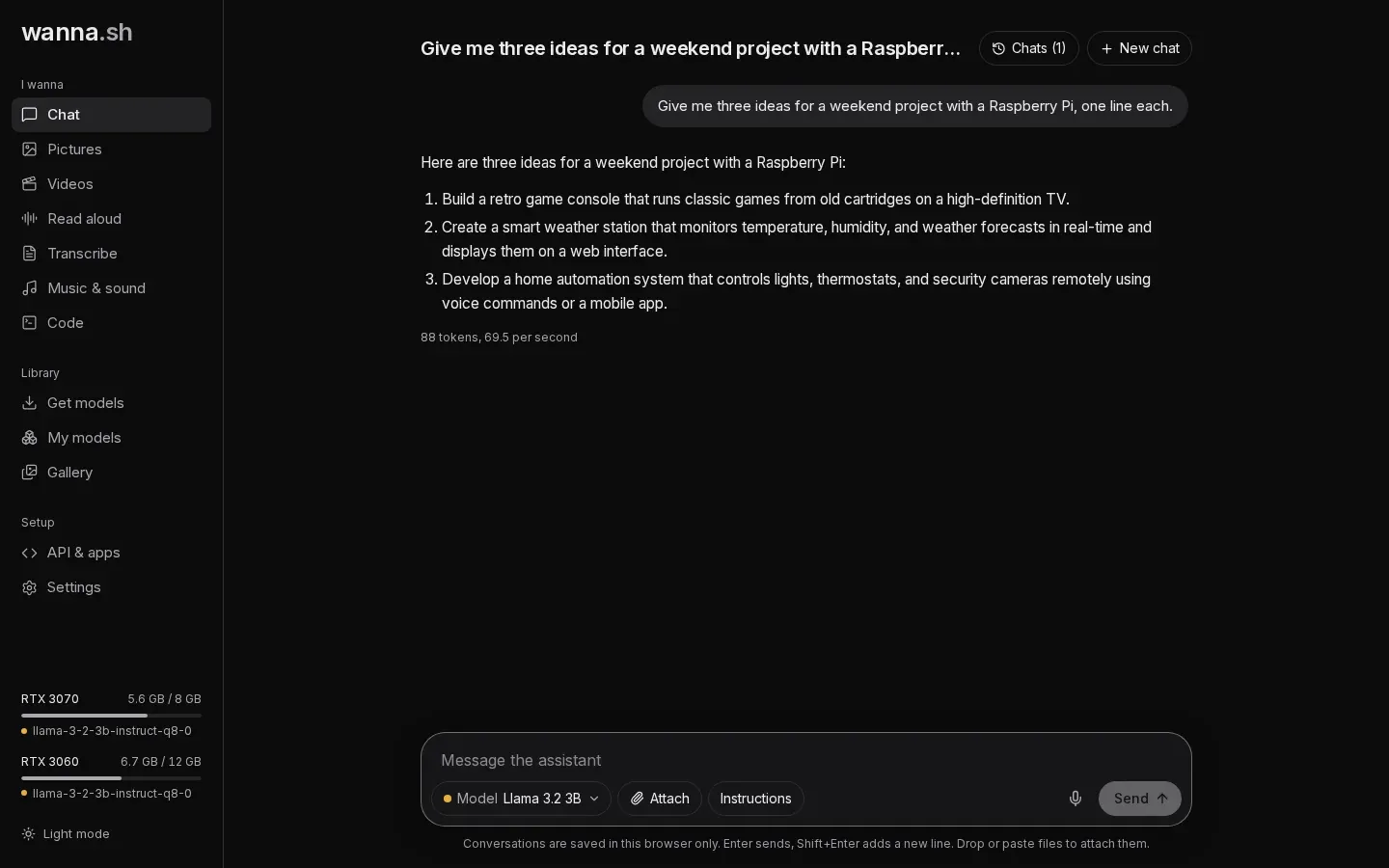
wanna.sh is a free, open-source app that runs AI models on your own computer. Instead of a different app for each kind of AI, it brings them together behind one simple interface in your web browser:
| I wanna… | Where | What it uses |
|---|---|---|
| chat with an assistant | Chat | Language models such as Qwen, Llama and Gemma |
| make a picture | Pictures | Image models such as Stable Diffusion and FLUX |
| make a video | Videos | Video models such as Wan |
| hear text read aloud | Read aloud | Voice models such as MMS-TTS and Bark |
| turn a recording into text | Transcribe | Speech recognition models such as Whisper |
| make music | Music & sound | Music models such as MusicGen |
| build an app | Code | A coding agent that uses your chat model |
| ask about my documents | Knowledge, in Chat and Code | Search models such as Qwen3 Embedding, plus your chat model |
Why it exists
Section titled “Why it exists”Tools like Ollama, LM Studio and Open WebUI are great at chat, but each covers part of the picture, and most assume you are comfortable with model files, quantizations and command lines. wanna.sh aims to be:
- All in one. Chat, pictures, video, voices, transcription, music and coding in one app, with the same controls everywhere.
- Understandable. Models are described in plain language and rated for your computer before you download them: Runs great here, Runs well here, Runs, but slowly or Too big for this computer.
- Private. Your prompts and creations never leave your computer. The internet is only used to find and download models (and, if you use Code, for the agent’s web search).
- Easy to build on. Everything is available through an OpenAI-compatible API, so other apps and scripts can use your local models.
- Good with real hardware. Models are placed on the right graphics card automatically, large ones are shared across several cards, and memory is planned before a model starts.
How it works, briefly
Section titled “How it works, briefly”wanna.sh is a small Python server with a web interface. When you use a model it starts the right engine for it, in its own process:
- Chat models (GGUF files) run on llama.cpp. wanna.sh downloads a ready-made build that matches your system and graphics driver the first time you chat.
- Picture, video, voice, transcription and music models run on Hugging Face diffusers and transformers with PyTorch.
Models come from Hugging Face. wanna.sh only downloads the files a model actually needs, and downloads resume if they are interrupted.