Settings
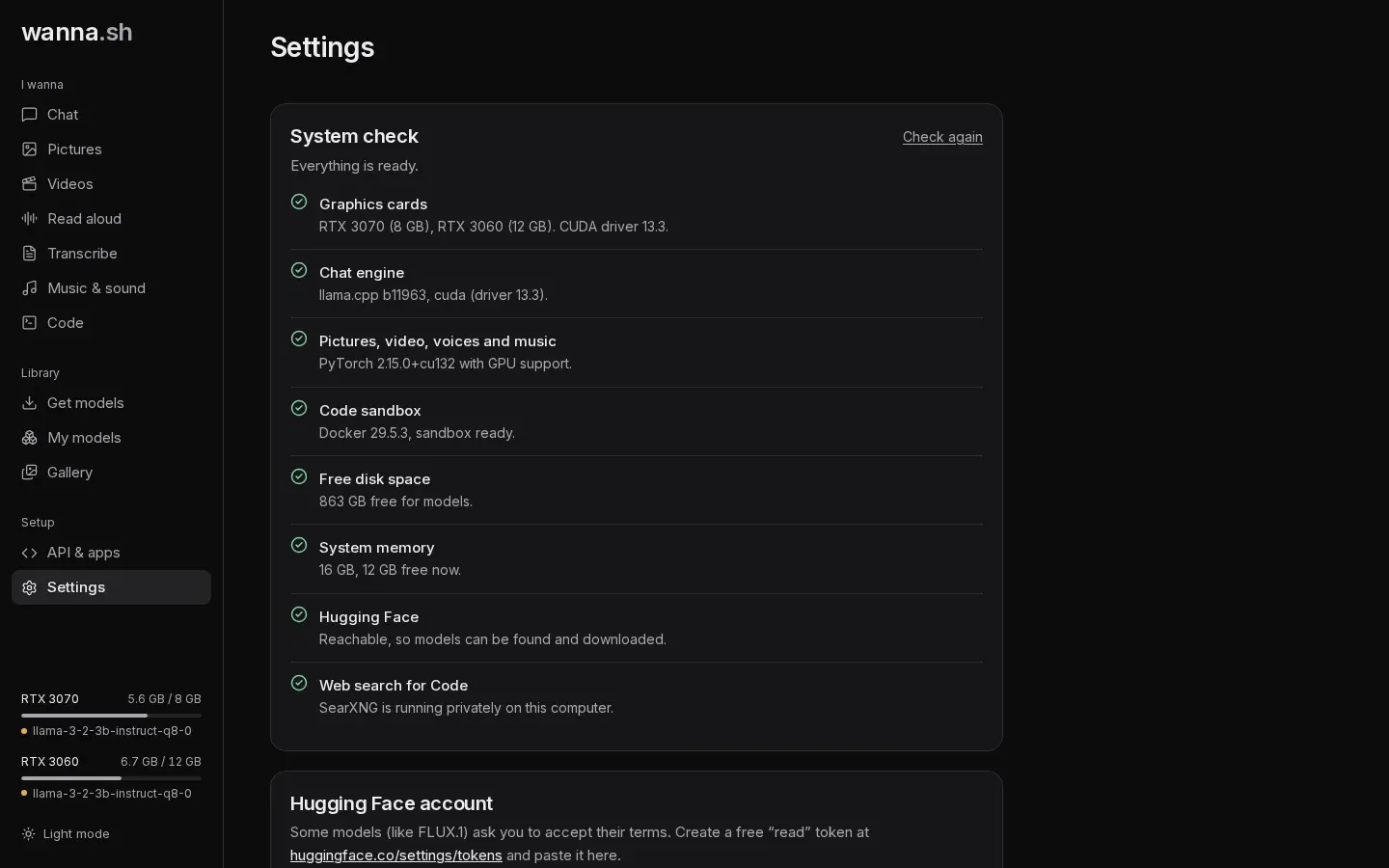
System check
Section titled “System check”Checks that each part of wanna.sh is ready on this computer and says how to fix anything that isn’t. See Troubleshooting. Press Check again after fixing something.
Hugging Face account
Section titled “Hugging Face account”A Hugging Face read token, for models that ask you to accept their terms first, such as FLUX.1 [dev]. Create one at
huggingface.co/settings/tokens. Once saved, only the first and last few
characters are shown. Remove deletes it. You can also set the HF_TOKEN environment variable instead.
Web search for Code
Section titled “Web search for Code”An optional Brave Search API key. Without one, Code searches through a private SearXNG instance on your computer. With one, Brave is tried first.
Memory
Section titled “Memory”| Setting | Options | What it does |
|---|---|---|
| Stop idle models after | Never, 5 minutes, 15 minutes, 1 hour | Unloads models you haven’t used for a while, freeing graphics memory. |
| Chat memory | Short (4K), Standard (8K), Long (16K), Very long (32K) | How much of a conversation chat models remember, unless set per model in My models → Options. |
Security
Section titled “Security”Require API key: when on, every request to the API needs a key from API & apps. The interface on this computer keeps working without one. Turn it on before sharing wanna.sh on your network.
Settings are saved in ~/.wanna/settings.json.